The pruning allows you to clean a large amount of obsolete and inactive topics based on criteria.
1. Click  on the Forum Administration bar and click Pruning from the drop-down menu to open the Auto Prune form.
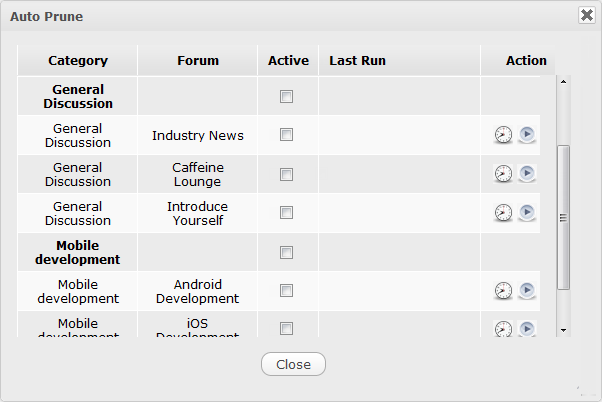
2. Click  corresponding to the forum you want to set the prune settings.

3. Specify the criteria.
4. Click  to check how many topics will be pruned.
5. Click Save to accept settings.
After setting the prune successfully, the auto-prune will be run automatically on the forum that has been set to check for the inactivate topics.