In this view type, pictures in folders are viewed in the slide show.
To view pictures in the slide show, click
 .
.

If nodes are pictures, they are displayed like the following illustration.
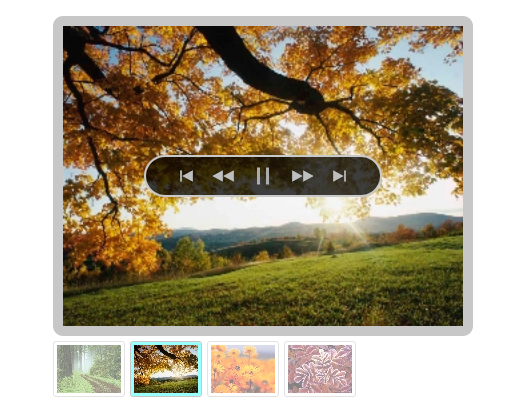
The Slide Show view automatically shows all picture nodes. Users can control this slide show by clicking the below buttons.
| Button | Function |
|---|---|
 | Go to the first picture node. |
 | View the previous picture node. |
 |
Pause the slide show. After clicking this button,
will become
 . Click
to continue viewing the pictures node. . Click
to continue viewing the pictures node.
|
 | View the next picture node. |
 | View the last picture node. |