This section covers the Struts project verification functionality provided by JBoss Tools.
To configure Struts project verification select → from the menu bar, select → → from the Preferences dialog box, and then expand the Struts Rules node.

Suppose you are working in the Source viewer for a Struts configuration file as shown below:
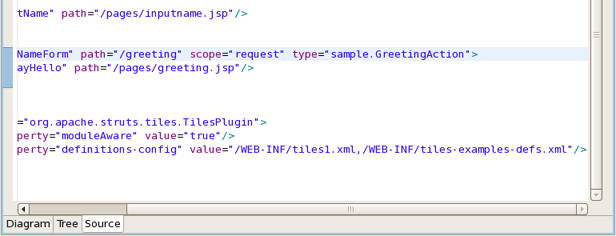
While typing a class name or entering it from the graphical editor, you might make a minor typo (like "sample.GreetingAction1" instead of "sample.GreetingAction"). After saving the file, it is verified to make sure everything is correct and finds the error shown below:

Notice that the Package Explorer View shows a marked folder and a marked file to indicate where the error is.
You can place the cursor over the line with the error to view a detailed error message:

The verification process also checks to make sure you have specified the correct JSP page for the forward:

Once you place the cursor over the line, you can see the error message:

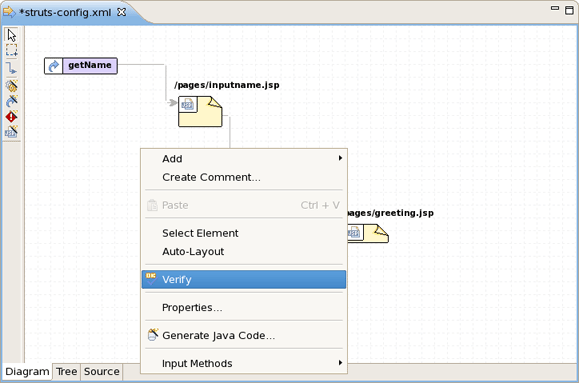
You can always invoke the verification process by switching to the Diagram viewer, right-clicking and selecting from the context menu: