TestNG ("Testing, the Next Generation") is a Java unit testing framework that aims to overcome many limitations of JUnit. TestNG introduces some new functionalities that make it more powerful and easier to use, such as:
JDK 5 Annotations (JDK 1.4 is also supported with JavaDoc annotations)
Flexible test configuration
Support for data-driven testing (with @DataProvider)
Support for parameters
Allows distribution of tests on slave machines
Powerful execution model (no more TestSuite)
Supported by a variety of tools and plug-ins (Eclipse, IDEA, Maven, etc...)
Embeds BeanShell for further flexibility
Default JDK functions for runtime and logging (no dependencies)
Dependent methods for application server testing
Create a new Seam Web Project with EAR deployment using the New Seam Project wizard.
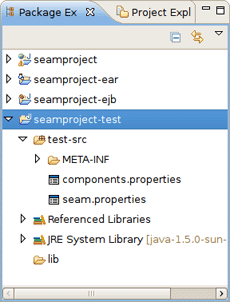
After a project is created you will have the generated Seam-test project that is setup to run TestNG directly against the proper libraries and server runtime libraries.
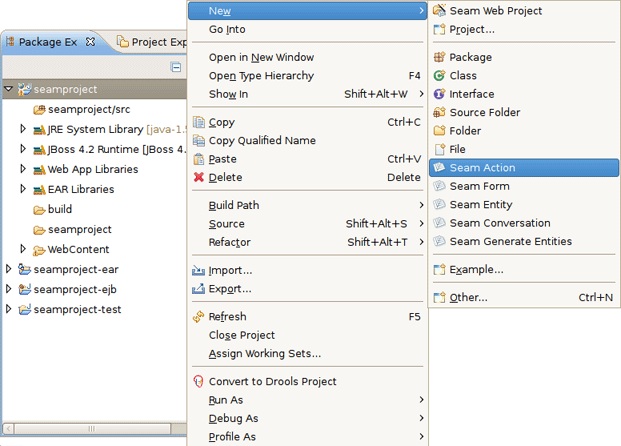
Add Seam Action to your project via → →
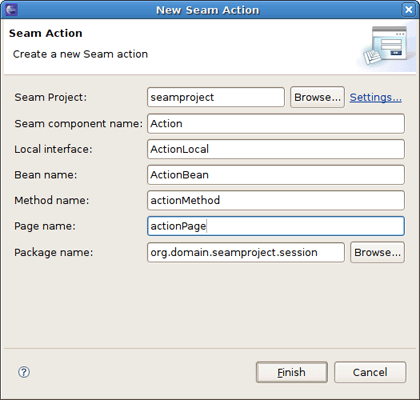
Fill out the wizard fields. New Seam Action wizard will create resources and place them in the appropriate folders dependent on EAR project structure.
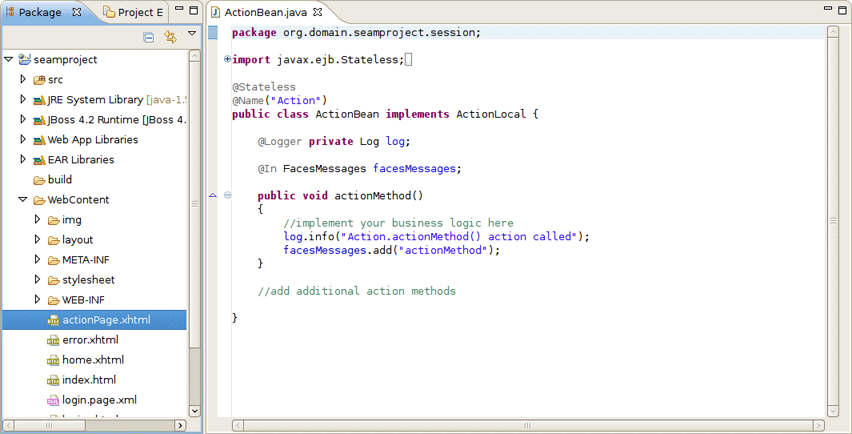
When Action is created you will see actionPage.xhtml in Package Explorer view. ActionBean.java will be automatically opened in Java Editor.
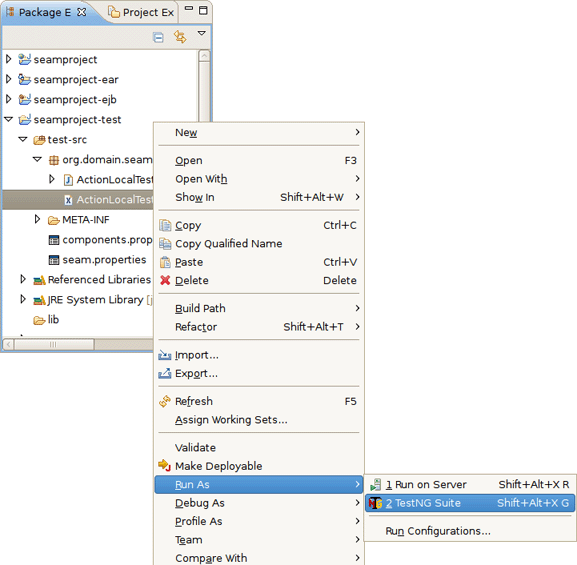
Select ActionLocalTest.xml in Seam-test project and run the test with right click →
Note
OpenOn is available in testNG XML files opened in JBoss XML Editor
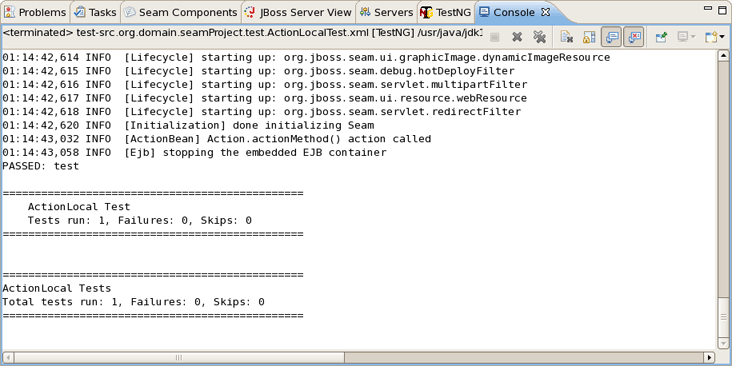
The test process will start and its output will be written in Console View.
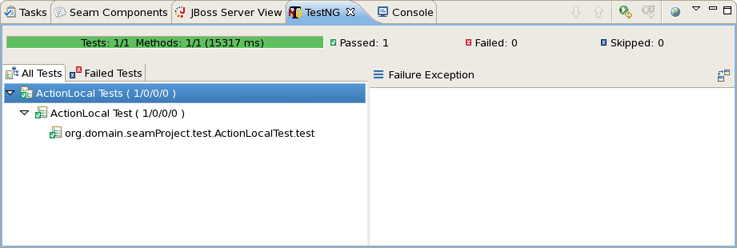
After running TestNG you will have the test results in test-output folder in Seam-test project (press F5 to refresh the Package Explorer view). Open index.html file with Web Browser or simply use the TestNG view.
The below view shows a successful run of the test.
You can see the test results in Web Browser.
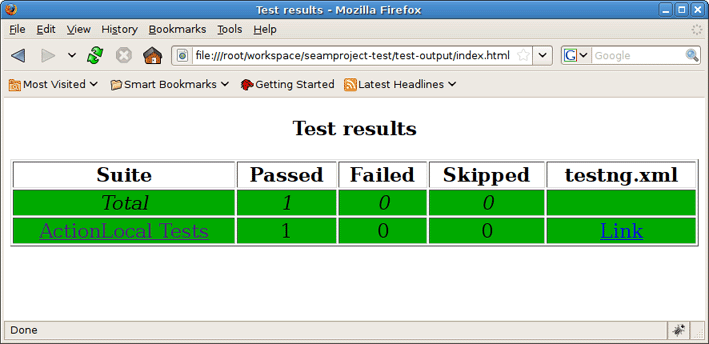
After clicking on ActionLocal Tests link you will see the Results for ActionLocal Tests.
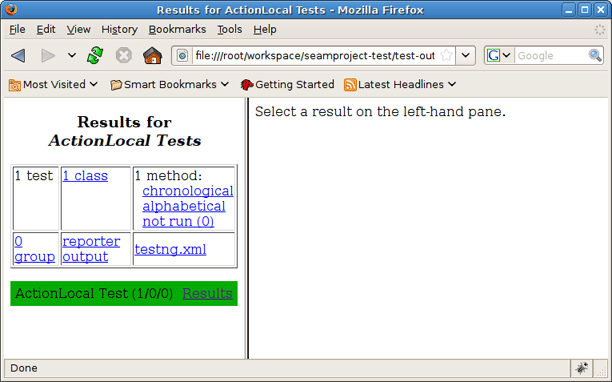
Select a result on the left-hand pane and its details will be displayed on the right-hand one.
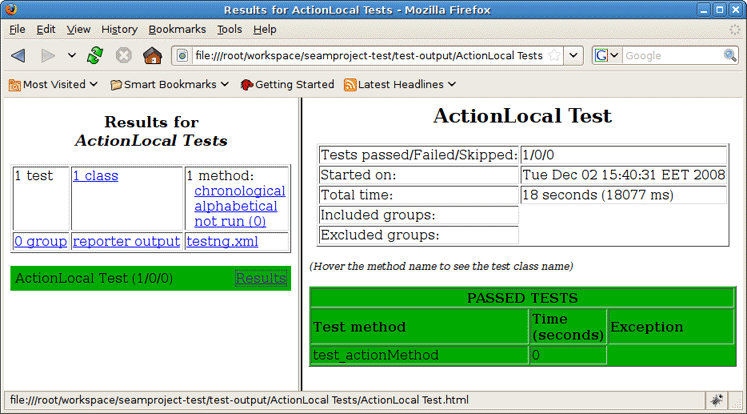
Thus with Seam tooling you can easily take advantage of TestNG framework. As you can see, it generates its own TestNG project as a separate module within which you can easily monitor the tests execution and their output.